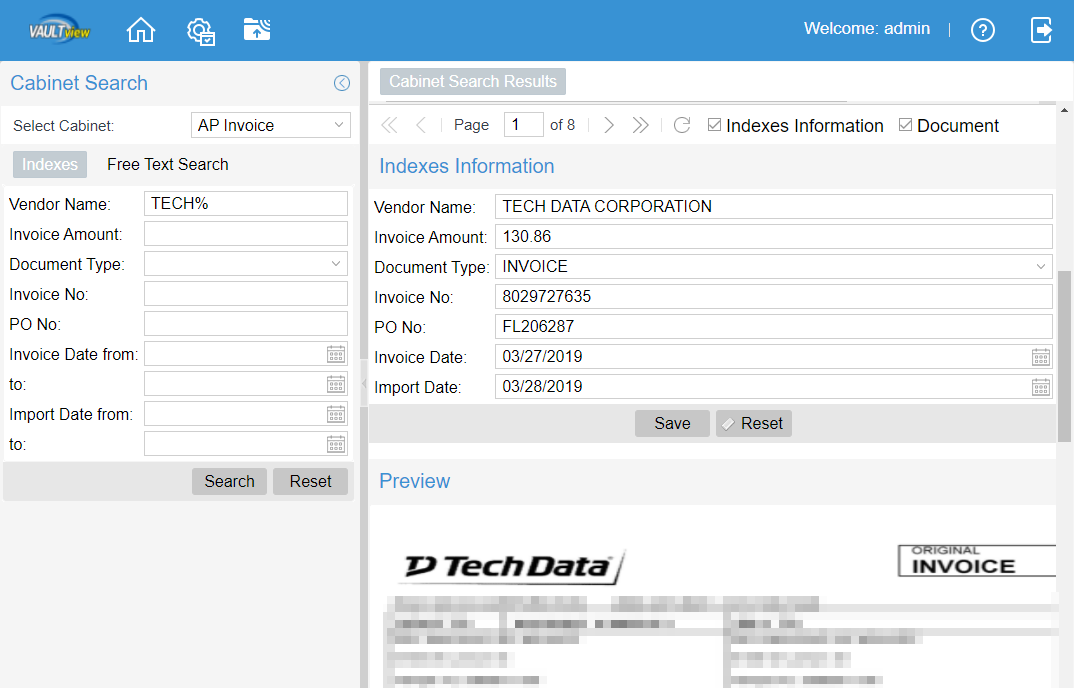
Indexes can be changed (modified) in the Page Information, Indexes tab to correct missing or mis-indexed information.
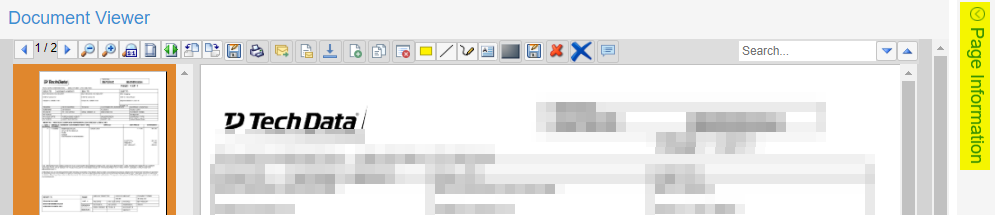
In the document viewer, click the Page Information arrow in the upper right corner to expand Page Information.
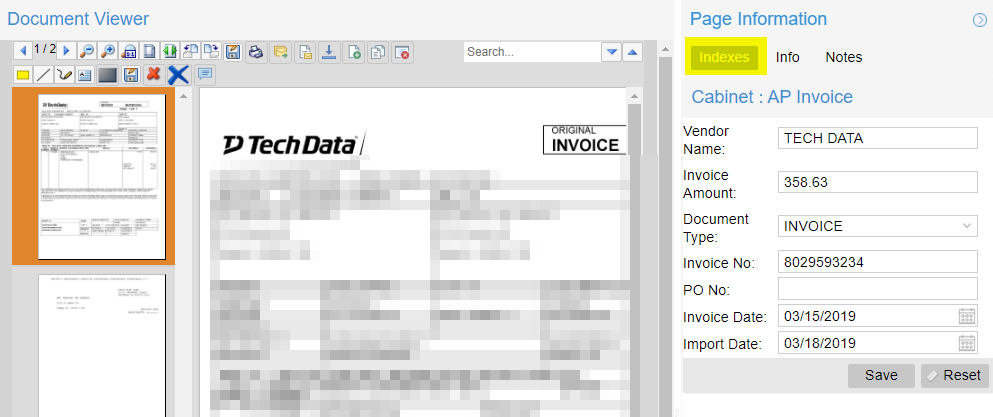
On the Indexes tab you can change and save index values.
Index values can also be change in the Search Results screen by single clicking an item in the search results and scrolling down on the Search Results Page to see the index information. Just as in the document viewer Page Information Indexes tab, you can change and save index values.