Open your web browser and type the website address into the address bar.
(Your System Administrator can provide you with the proper website address. )
The website address is typically formatted as "https://<Website Name Here>.docteamvv.com." however this may vary depending on your installation.
Note: It is recommended that you add the website to your saved bookmarks for easy access in the future. You can press CTRL+D in your browser to save it as a bookmark.
Enter your User ID and Password and Click Login.
(If you do not have a User ID and Password, please contact your System Administrator to request access.)

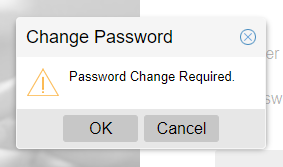
If this is the first time you have logged into the site, you may be prompted to reset your password.
Click OK and then reset your password.
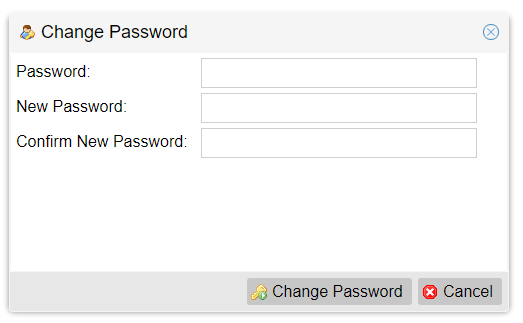
Here you will need to enter your current password as well as your new password twice and then click the Change Password button to submit the changes.
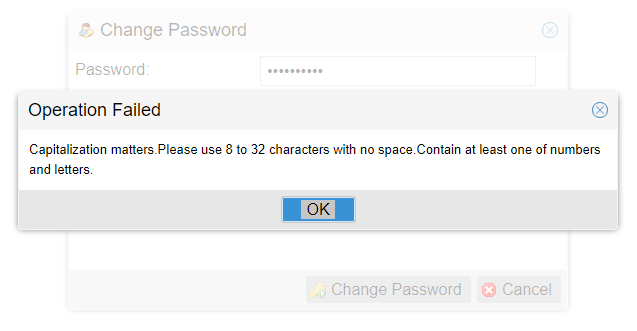
Be sure to follow Password complexity requirements when setting your new password.