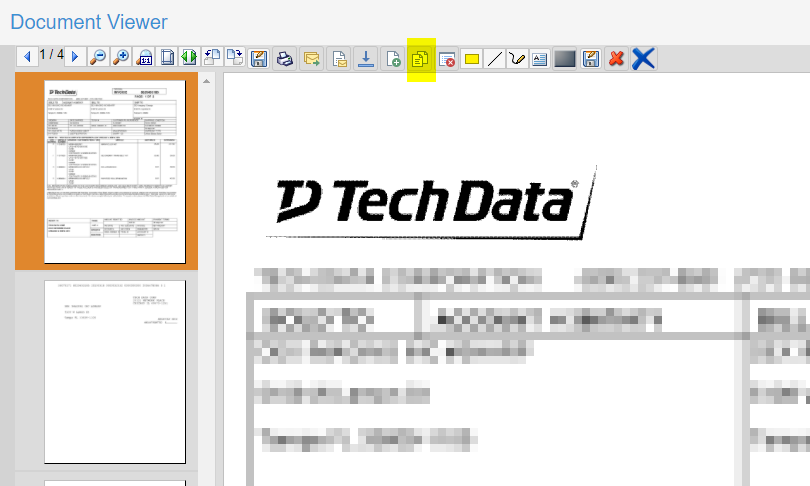
To split pages from a document into a new document select the page or pages desired.
To select Multiple Pages:
•CTRL - Hold down the CTRL key and click any of the pages in the thumbnails you would like to select.
•SHIFT - Hold down the SHIFT key and click the first and last page in the thumbnails to select a range of pages.
Then click the Create Document button.
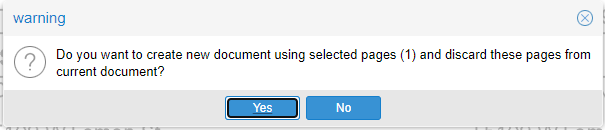
Click Yes to confirm and create a new document with the selected pages.
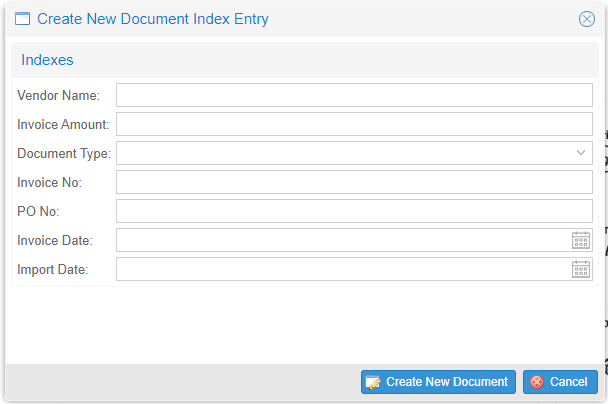
Then enter the appropriate keyword index information for the new document and Click Create New Document to complete.