If attempting to view multiple documents in Vaultview while using Google Chrome and selecting the "Vaultview Batch View" option, only a single document is opened, it is likely that the Google Chrome Pop Up Blocker is preventing the browser from opening multiple tabs/windows at once. The following instructions outline steps to add your Vaultview website to the Allowed list in Google Chrome to resolve this issue.
(Note: It is possible that another 3rd party app may be installed and blocking these from opening as well. The following steps are specifically for the Google Chrome Pop Up Blocker.)
- On your computer, open Chrome.
- At the top right, click More Settings.
- At the bottom, click Advanced.
- Under "Privacy and security," click Content settings.
- Click Pop-ups and redirects.
- In the Allow Section, Click Add
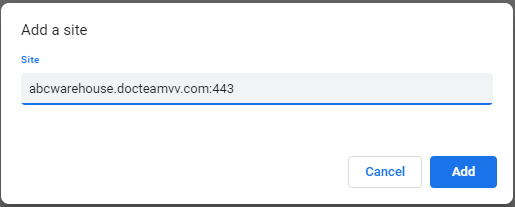
- In the Add Site dialog, add the following site and click add.
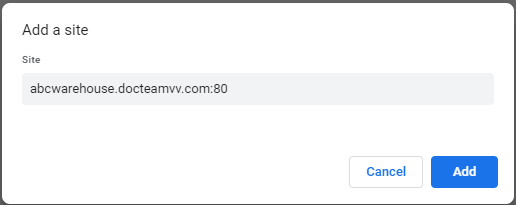
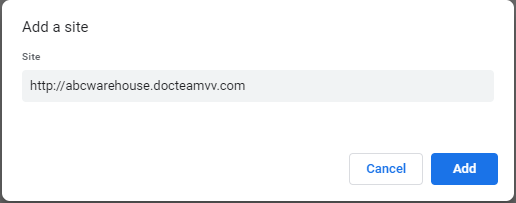
The following are acceptable formats in the Add Site dialog.
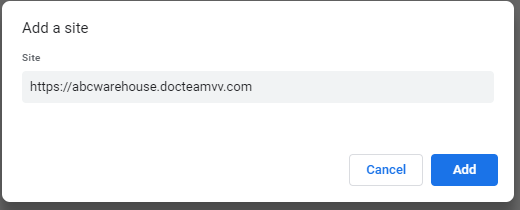
URL ending (:443) below is same as (https://) above.
URL ending (:80) below is same as (http://) above.