Forgot Password
If you have forgotten your password to Vaultview, simply click the Forgot Password link on the login screen.
.png)
Enter your User ID and click Send Email.
.png)
Vaultview will automatically reset and send you a new temporary password. You can copy/paste the new password into the login screen and try to login again.
If you do not receive the email please check junk / spam folders for an email from Vaultview.
.png)
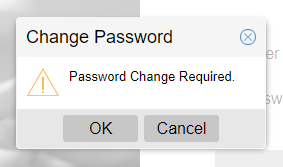
After you have logged in with your new temporary password, Vaultview will automatically prompt you to reset your password.
Click OK and then reset your password.
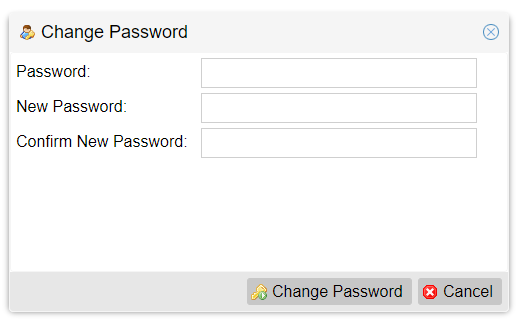
Here you will need to enter your current password as well as your new password twice and then click the Change Password button to submit the changes.
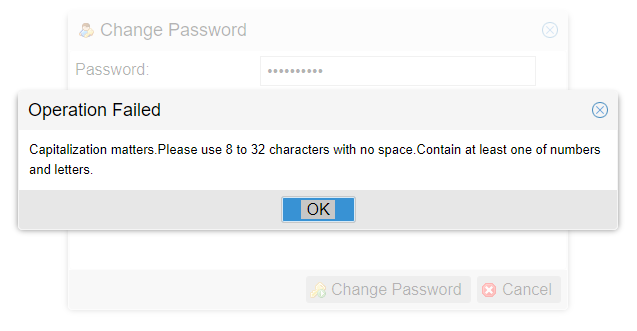
Be sure to follow Password complexity requirements when setting your new password.